
TL;DR
The new digital checklists in FactryOS v6 give you a practical way to move to a robust, digital checklist workflow embedded in FactryOS. This is especially useful for:
- Quality Managers in process manufacturing who need to standardize and prove quality checks without drowning in paperwork or rigid tooling.
- Production and Plant Managers who want quality checks to fit into the flow of production, not slow it down.
- Operators who are tired of juggling paper, Excel, and complex systems just to complete routine checks. They now get immediate feedback when they input a value into the field.
- Continuous Improvement and Process Engineers who depend on consistent data to spot patterns and drive change.
The common theme is the same: make it easier to do the right check at the right time, and turn quality from a compliance burden into a source of operational strength.
Start implementing Checklists (link to docs)
The reality for quality managers today
Quality managers in process manufacturing are still largely dependent on paper forms, spreadsheets, and tribal knowledge. This can affect traceability and cause heavy admin overhead. Procedures can get skipped by operators because they’re cumbersom, and issues might get caught too late.
The result: There’s constant tension between maintaining quality and keeping production moving.
Introducing Checklists: a new approach in FactryOS v6
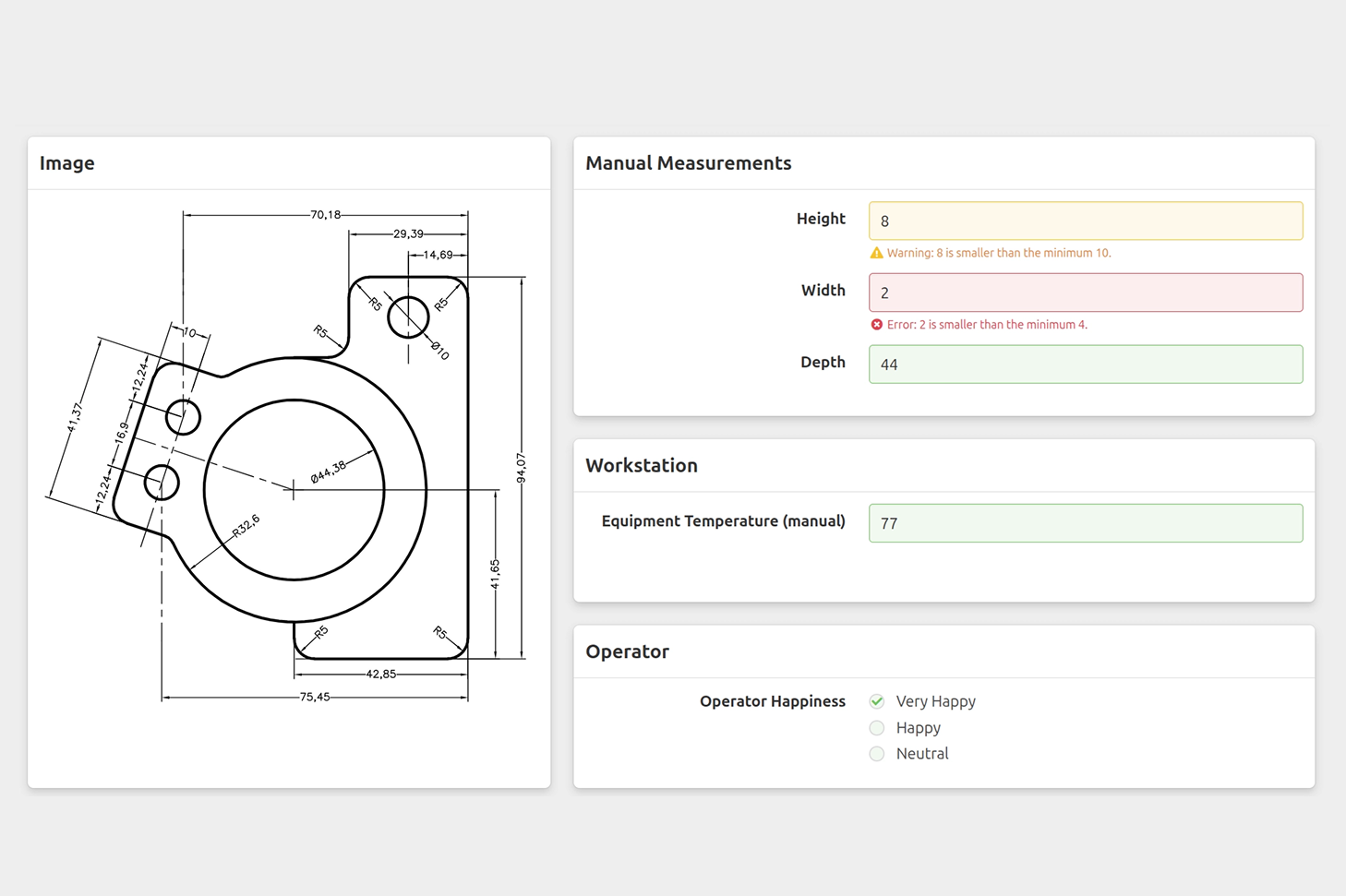
FactryOS v6 introduces a modern digital checklist experience for quality management — configurable by quality managers, fast for operators, and designed for real production-floor execution.
The goal is simple: help teams move away from paper and Excel into a digital workflow that captures data at the source, supports operators in the flow of work, and gives quality managers real control over their standards.
What’s new in v6: Digital quality checklists
At the heart of this release is a new checklist feature that brings these main ideas together:
- A configurable checklist builder for quality managers
- A fast, operator-friendly execution experience on the shop floor
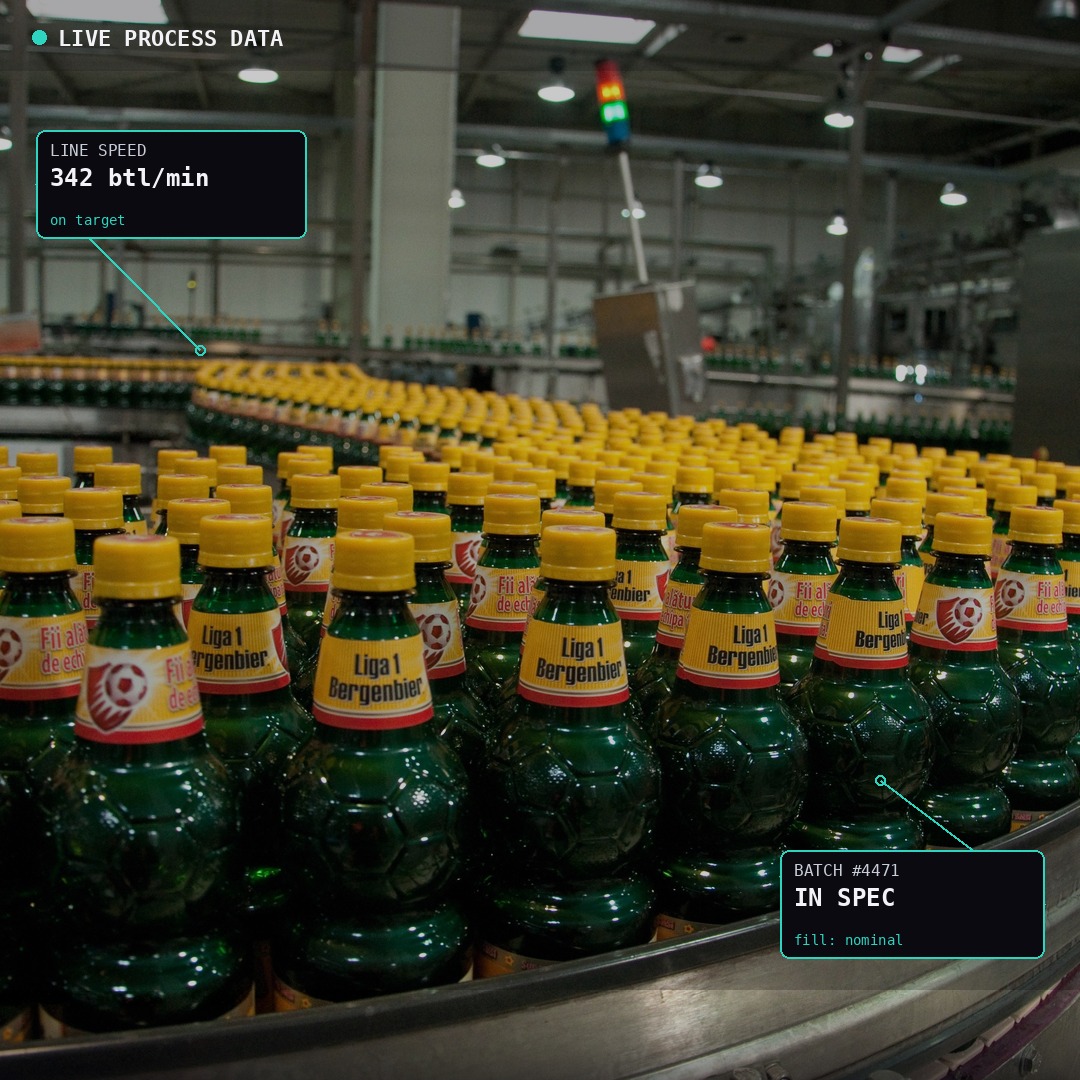
- A way to share production data with the operator to help them complete the checklist
- The possibility to add images to guide the operator towards a check
Instead of static forms and scattered templates, you get a single, modern checklist experience that ties directly into your production context.
Built for quality managers: control without complexity
Quality managers are the owners of the quality system—they define what needs to be checked, when, and how. In v6, the new checklist builder is designed to match that responsibility.
With a configurable, drag-and-drop builder, you can:
- Design checklist templates tailored to specific products, lines, or equipment
- Add any type of input field you need: text, radio buttons, numeric input, checkbox
- Work more reliably with templates and version management
Because the builder is designed for quality managers rather than developers, you can build and maintain checklists in minutes, not days. That means your digital checks can evolve as fast as your processes, customer requirements, or regulatory expectations.
Built for operators: execution where production happens
The new checklist execution experience in FactryOS v6 is optimized for operators on the shop floor. The focus is on capturing the essentials, fast:
- A streamlined workflow with only the relevant steps
- Clear instructions, including pictures when needed
- A simple layout with no unnecessary clicks
Instead of walking back and forth to terminals, operators can complete checks directly in FactryOS as part of their normal workflow. This makes “doing the right thing” the default.
Towards a reliable digital trail
One of the biggest benefits for both quality and production leadership is how the new checklist experience changes the data story. Fewer errors and easier administration means data that you can rely on for compliance and continuous improvement initiatives.
Ready to start implementing?
If you’re upgrading to FactryOS v6 or exploring how to modernize your quality workflows, the new digital checklists are a great place to start.
Dive into our technical documentation, which walks through the full configuration options step by step.
.png)